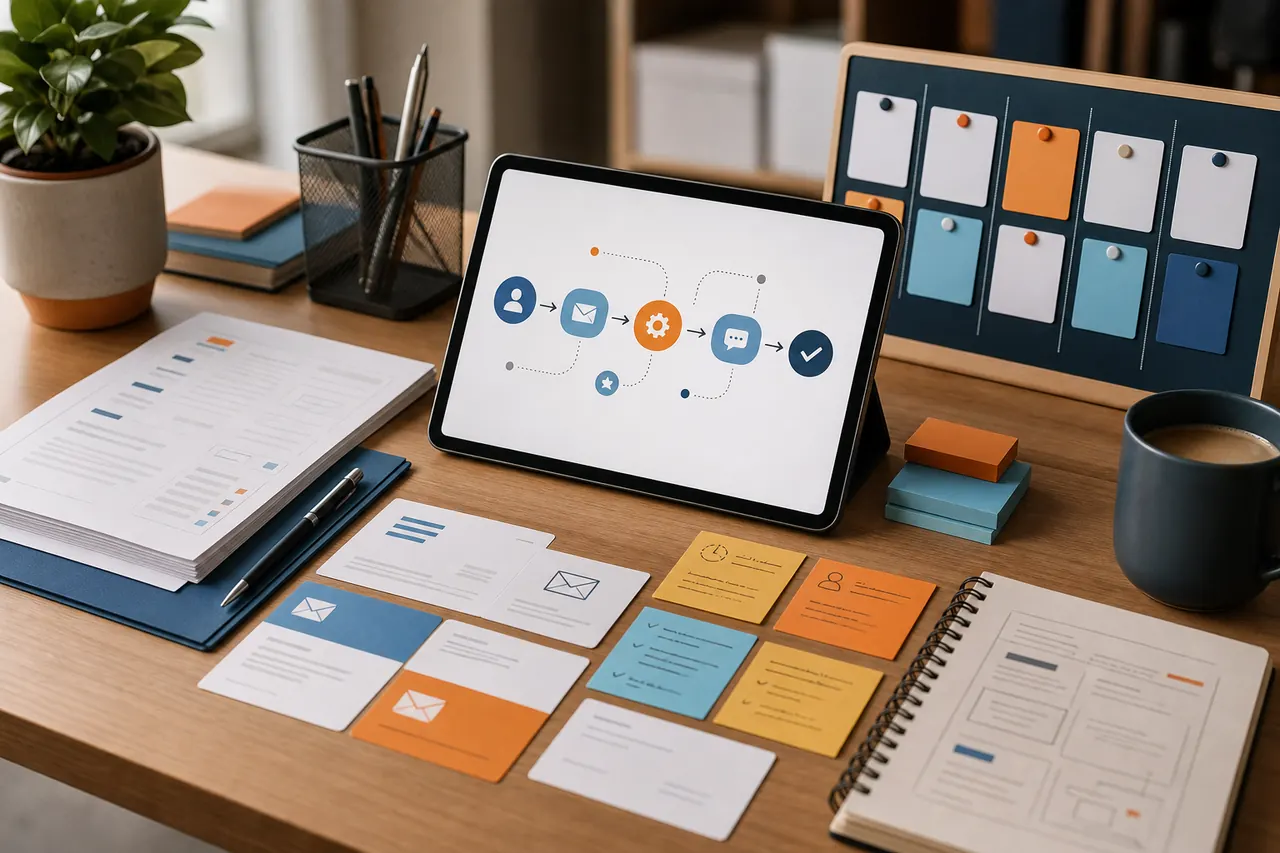
Turn a new enquiry into a prompt, accountable response without pretending that every lead should receive the same treatment.
Define where an enquiry truly begins
Mapping detail
List the routes by which prospective customers contact the business: website form, telephone message, shared inbox, marketplace or walk-in note. The automation needs one reliable starting record, not an assumption that every lead uses the website. For telephone enquiries, a short staff form can create the same minimum record. Keep marketing subscriptions separate from requests for a quote or callback, because their purposes and follow-up are different.
Collect enough information to route, not interrogate
Mapping detail
Ask only for details needed to take the next step. A local trade may need service type, postcode, preferred contact method and a brief description; a business supplier may need organisation and timescale. Long qualification forms can discourage genuine enquiries, while vague forms create avoidable calls. Mark which answers drive routing and which are merely helpful. Never make sensitive or irrelevant information mandatory just because the software permits it.
Acknowledge receipt without promising an outcome
Mapping detail
An immediate acknowledgement should confirm what was received, state normal office hours and explain what happens next. It should not say that a booking is confirmed, a quotation is accepted or the business will reply within an unrealistic time. Include a reference and a route for correcting urgent details. If the enquiry appears outside the service area, queue it for review rather than sending an abrupt rejection based on an imperfect postcode rule.
Give the enquiry a named next action
Mapping detail
Create a task for a role or person with a due time based on business priorities. Routing can distinguish an existing customer, a new quote request and a general question, but keep the categories few enough for staff to understand. The owner should be able to see the original message, contact preference and any consent choices. Escalation should flag an unreviewed enquiry; it should not repeatedly email the prospect.
Close the loop and learn from exceptions
Mapping detail
Define statuses such as received, reviewing, contacted, awaiting customer, booked, not suitable and closed. Require a brief reason when an enquiry is closed without progressing so recurring gaps become visible. Review bounced acknowledgements, duplicate records and leads that remained unassigned. Test the flow out of hours and from a mobile. The useful measure is whether enquiries receive an appropriate next action, not how many automated messages were sent.
Practical steps
New-enquiry flow recipe
Adapt this bounded flow to one enquiry channel before adding further sources.
1. CaptureCreate one record containing source, received time, contact details, request summary and contact preference.
2. ValidateCheck required fields and flag suspicious or incomplete entries for review rather than silently discarding them.
3. MatchLook for an existing contact or open enquiry and attach the message when the match is reliable.
4. ClassifyApply a small set of operational categories such as quote, existing job, supplier or general question.
5. AcknowledgeSend a factual receipt with reference, office hours and next-step wording; preserve the submitted contact choice.
6. AssignCreate a visible task for a named role, with a due time and all information needed for first review.
7. EscalateNotify a backup owner once if the task remains unreviewed beyond the agreed internal threshold.
8. Record outcomeSet the final status and, where relevant, a short reason such as outside area or duplicate.
9. Review exceptionsWeekly, inspect failures, unassigned records, bounces and manual workarounds before changing the rules.